Gift a Gamerpad Subscription
• 3 minute read • By Gamerpad
Give Rocket League players, teams and clubs the tools to level up
Looking for a gift for the Rocket League player in your life? Or do you manage a team or club and want to give your roster access to better analytics?
With Gamerpad you can buy subscriptions for others and share them easily using our Shared Subscription functionality. You can purchase multiple subscriptions (both yearly and monthly) and then assign them to any player, team or club on Gamerpad.
This guide walks you through how it works.
Why gift Gamerpad?
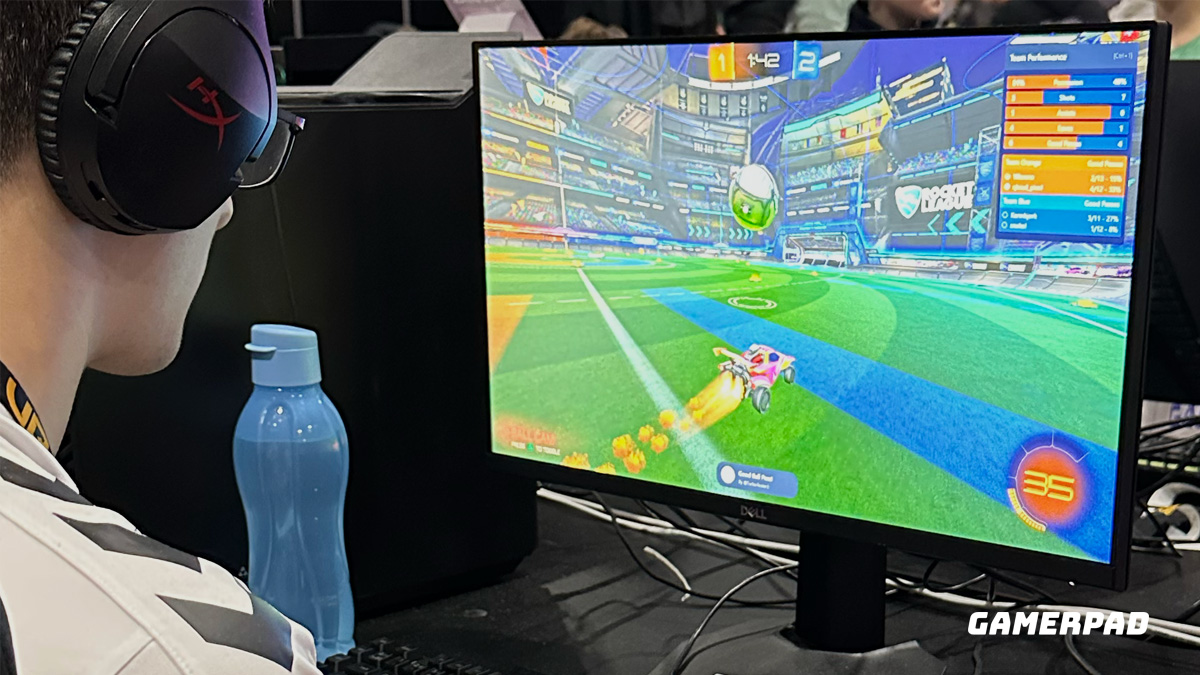
Gamerpad is built for Rocket League players, teams, and clubs who want to:
- Track their progress over time
- Analyze sessions and match reports
- Understand strengths and weaknesses
- Prepare smarter for scrims, tournaments and league play
Gifting a subscription is perfect for:
- Parents who want to support their kid’s passion in a constructive way
- Friends who grind ranked together and want to improve as a squad
- Coaches and managers who want analytics for their team or club
- Esports organizations who want to surprise players with a new tool
Step-by-step: How to buy and share a subscription
1. Choose your plan
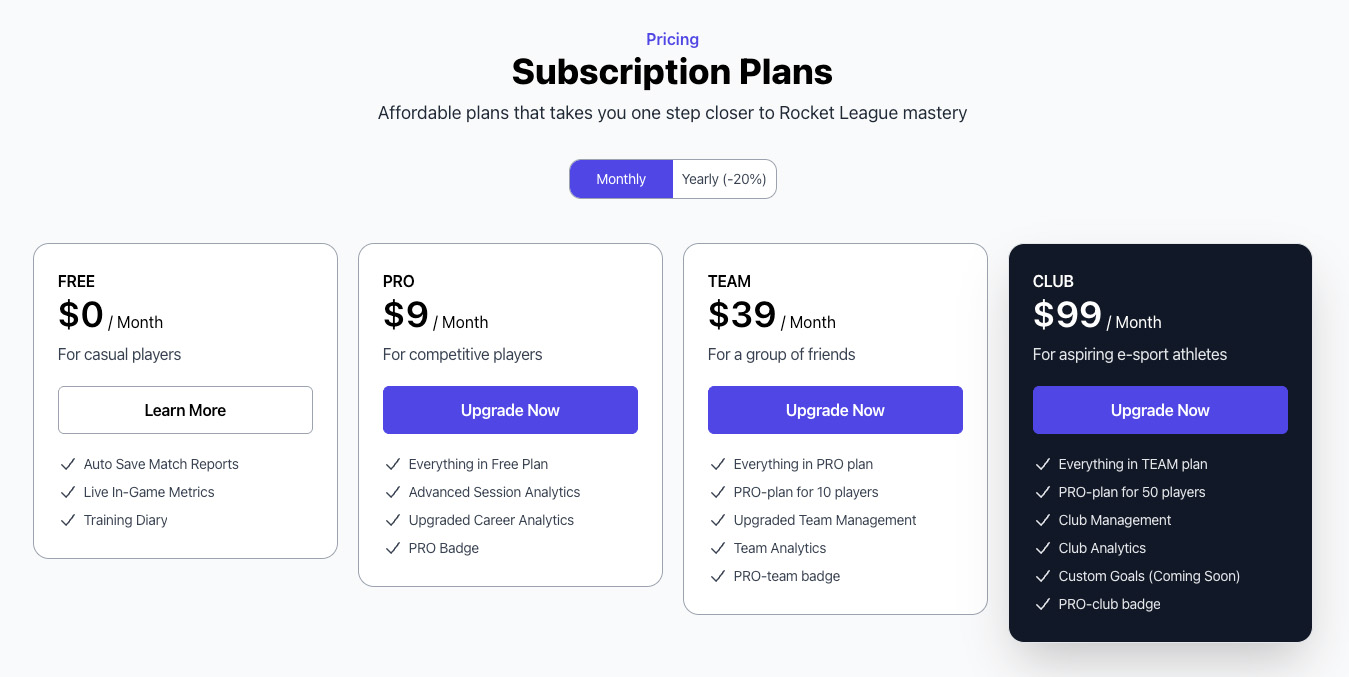
Go to the Pricing page on Gamerpad and choose the plan you want to gift:
- PRO – for individual players
- Team – for small teams who want shared analytics
- Club – for esports organizations and larger communities
Decide if you want a monthly or yearly subscription. Yearly plans are ideal for long-term support.
2. Complete the purchase
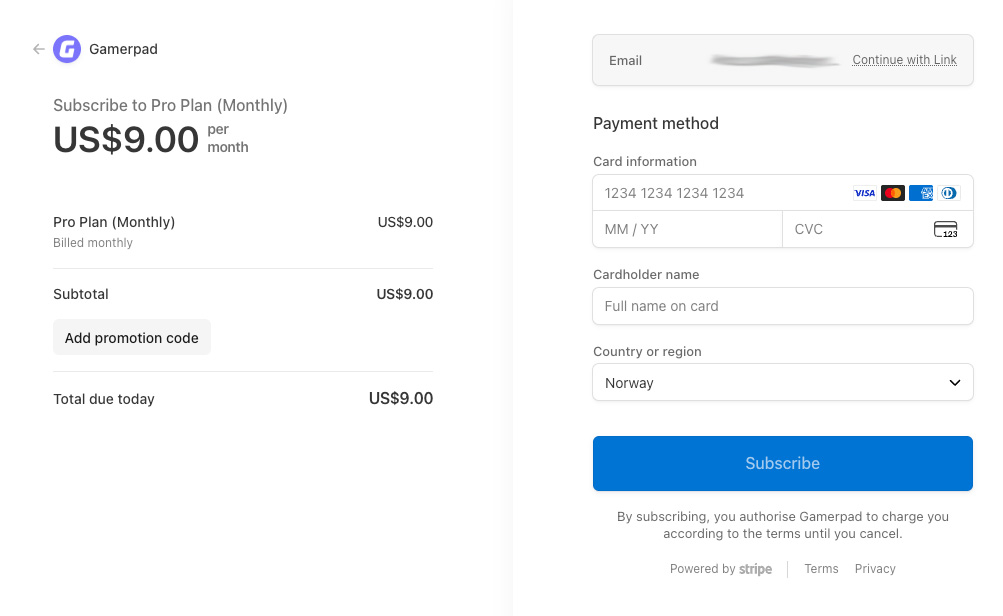
Complete the payment as normal:
- Sign in or create your own Gamerpad account (this will be the “owner” of the subscriptions).
- Select your preferred plan via Upgrade and the billing period (monthly or yearly).
- Finish payment.
After payment, the subscriptions are active on your account and ready to be shared.
3. Share your subscription with a player, team or club
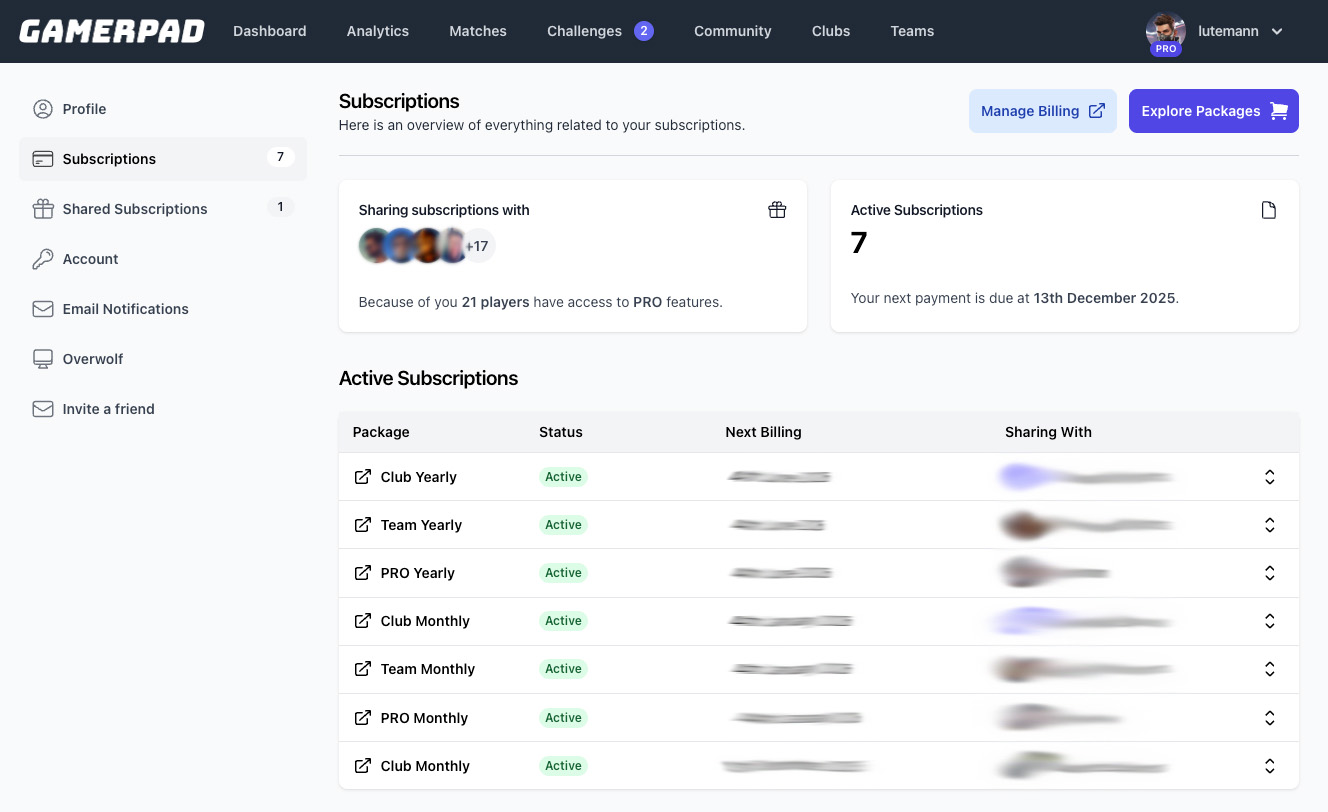
Once the subscription is active, you can share it using the Shared Subscription functionality in your account.
In practice, this means:
- Go to your Account / Billing area on Gamerpad.
- Find the Shared with column.
- Choose what you want to share with
Give the gift of better Rocket League
Give them more than just a one-time gift — give them the tools to understand their game, track their progress, and keep leveling up with a Gamerpad subscription